MARVEL Tōkon Fighting Souls Patch Notes Tracker
Day 1 launch notes plus the August 10 performance update — install both before you blame your team.
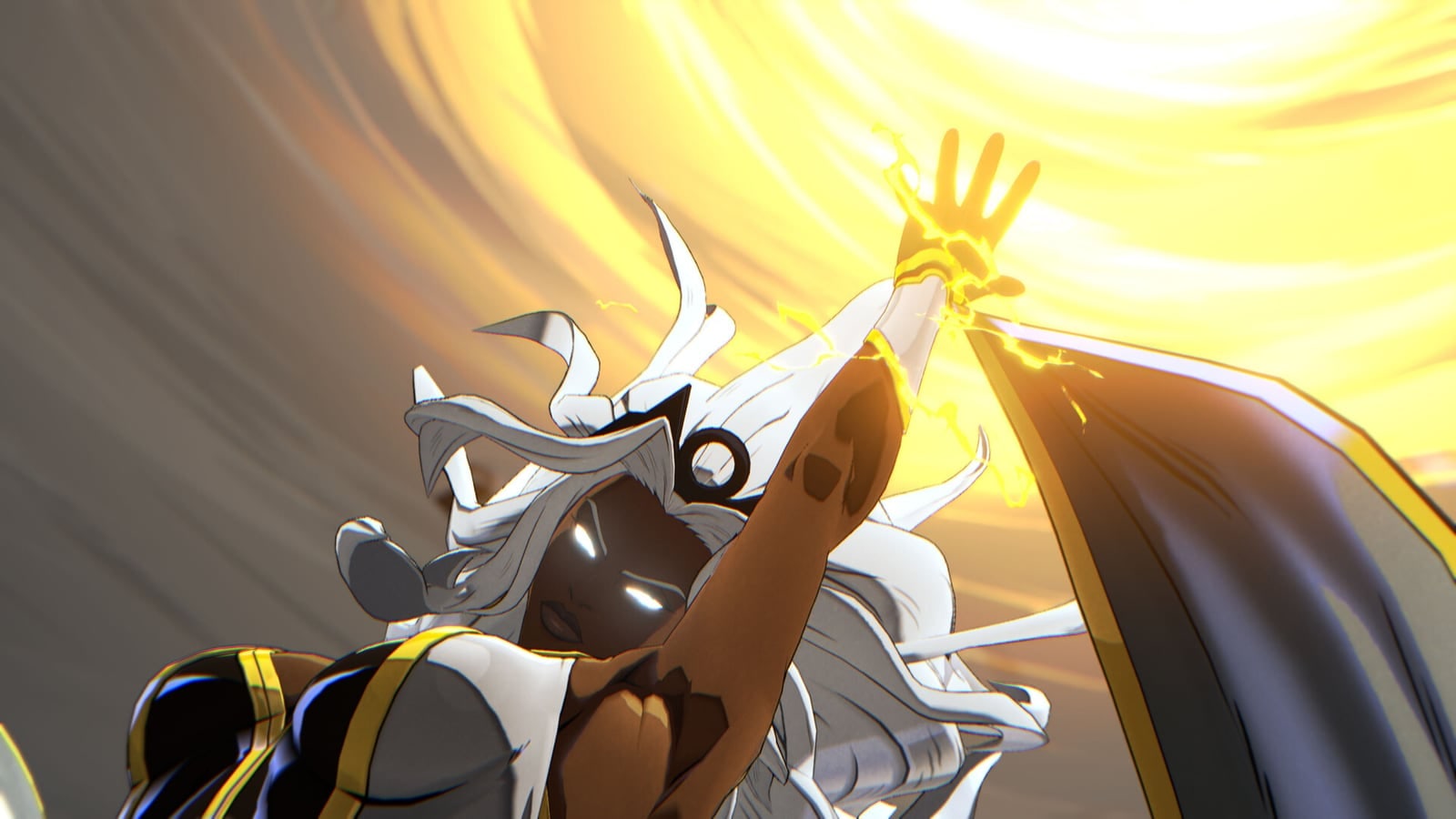
MARVEL Tōkon Fighting Souls launched on August 6, 2026 with a Day 1 package, then shipped update 1.002.002 on August 10, 2026 — a PC-heavy performance follow-up after Steam Mixed reviews and weekend hitch complaints.
Install the latest build, re-run shader warm-up, then use this page as the dated tracker for every official note.
Latest — August 10, 2026 (update 1.002.002)
PS5 shows this as 1.002.002. PC downloads are larger (reports around ~10 GB). Early player feedback says this patch is a meaningful step for frame pacing — not a promise every rig is cured forever.
PC performance fixes
- Reduced CPU usage with multiple fixes, including:
- High CPU throughout the startup process
- Extra load from periodic audio processing during matches
- Sudden performance drops: the game was regularly checking for available audio inputs; those unnecessary checks could cause sudden frame / performance drops — addressed
- Frame rate drops: fixed FPS drops when certain resolutions were selected
- After updating, PC prompts shader warm-up again — accept and finish it before ranked
- Auto graphics quality detection improved so the default profile better matches your hardware
Bug fixes (PC + PS5)
- Battle Settings: restarting with certain customization items / colors enabled no longer reverts settings to default
- Online Lobby: changing attack button display to action icons no longer leaves some buttons unresponsive during Open Lobby mini-games
Studio messaging thanks players for feedback and promises ongoing performance / stability work. Pair this entry with the PC Performance Guide and Cross-Play Guide (many PS5 players had disabled cross-play while PC hitching was loud).
Day 1 update — August 6, 2026
Performance optimizations (mainly PC)
- Reduced CPU load by cutting unnecessary character animation updates
- Lowered user-interface update cost
- Improved cases where overlays / capture tools crushed performance — notably OBS Studio Game Capture and Discord overlays & video capture
- Automatic graphics quality can pick appropriate anti-aliasing
- Fixed unintended anti-aliasing plug-ins (DLSS / FSR / XeSS) turning on incorrectly
- Custom graphics / effect quality can change stage background character update frequency — Medium / Low ease CPU
- Shader warm-up prompt at startup defaults to ON
- Fixed shader warm-up sometimes running unintentionally at startup
- Steam: fixed delayed input data during online matches
- PS5: additional measures to mitigate input lag
Other stability & UX fixes
- Multi-monitor setups no longer auto-switch displays mid-session
- Ranked → Online Lobby flow no longer leaves some players invisible
- Ranked digit overflow no longer distorts the screen
- Improved client ↔ game server communication stability
- Fixed occasional crashes from moving the mouse too quickly in menus
- Reduced heavy FPS hits when large amounts of text appear (notably Arabic / Thai)
- Fixed an unplayable state if the network dropped on the Challenger Alert screen
Gameplay adjustments
- Input optimization: motion priority adjusted for cleaner
→↓↘resolution from→↓↘→sequences - Danger: ground dash can cancel into a skill more reliably; fewer accidental aerial specials
Day 1 and Aug 10 are not broad character balance passes. Expect future notes to touch Vital Gauge economy, assists, and individual kits once tournament samples land.
How we format every future patch
- Date & platforms — PS5 / Steam / Epic + version string when known
- Headline changes — balance, netcode, stability, cosmetics
- Who should re-lab — point characters and assist roles most affected
- Wiki follow-ups — Systems, Tier List, Builds, Roster
We will not invent frame data.
What to re-test after any patch
- Shader warm-up completion on PC
- Auto graphics profile after the Aug 10 detector change
- Assist cancel windows and Switch timing (Assists)
- Link Attack enders (Link Attacks)
- Danger dash cancels for X-Men comps
- Open Lobby mini-game buttons if you use action icons
- Cross-play comfort after PC hitching improved (Cross-Play)
Related reading
Bookmark this page. Patch week is a checklist, not a scavenger hunt.
Frequently Asked Questions
Quick answers to the questions players ask most.
What is update 1.002.002?
The August 10, 2026 performance / stability patch — mainly PC CPU, audio-input hitching, resolution FPS, shader warm-up prompt, auto graphics detection, Battle Settings, and lobby mini-game buttons.
Should I re-run shader warm-up after Aug 10?
Yes. The PC client prompts warm-up again after the update — finish it before online play.
Did these patches rebalance characters?
No broad roster balance pass yet. Focus has been performance and stability.
Is Day 1 still required?
Yes. Stay on the newest storefront build; Day 1 and Aug 10 both matter historically for what was fixed.
Where else should I verify notes?
Official PlayStation / Steam / Discord channels, then return here for a structured summary.