MARVEL Tōkon Fighting Souls Controls & Input Styles
Map your pad, understand Quick Skills, and stop dropping confirms under pressure.
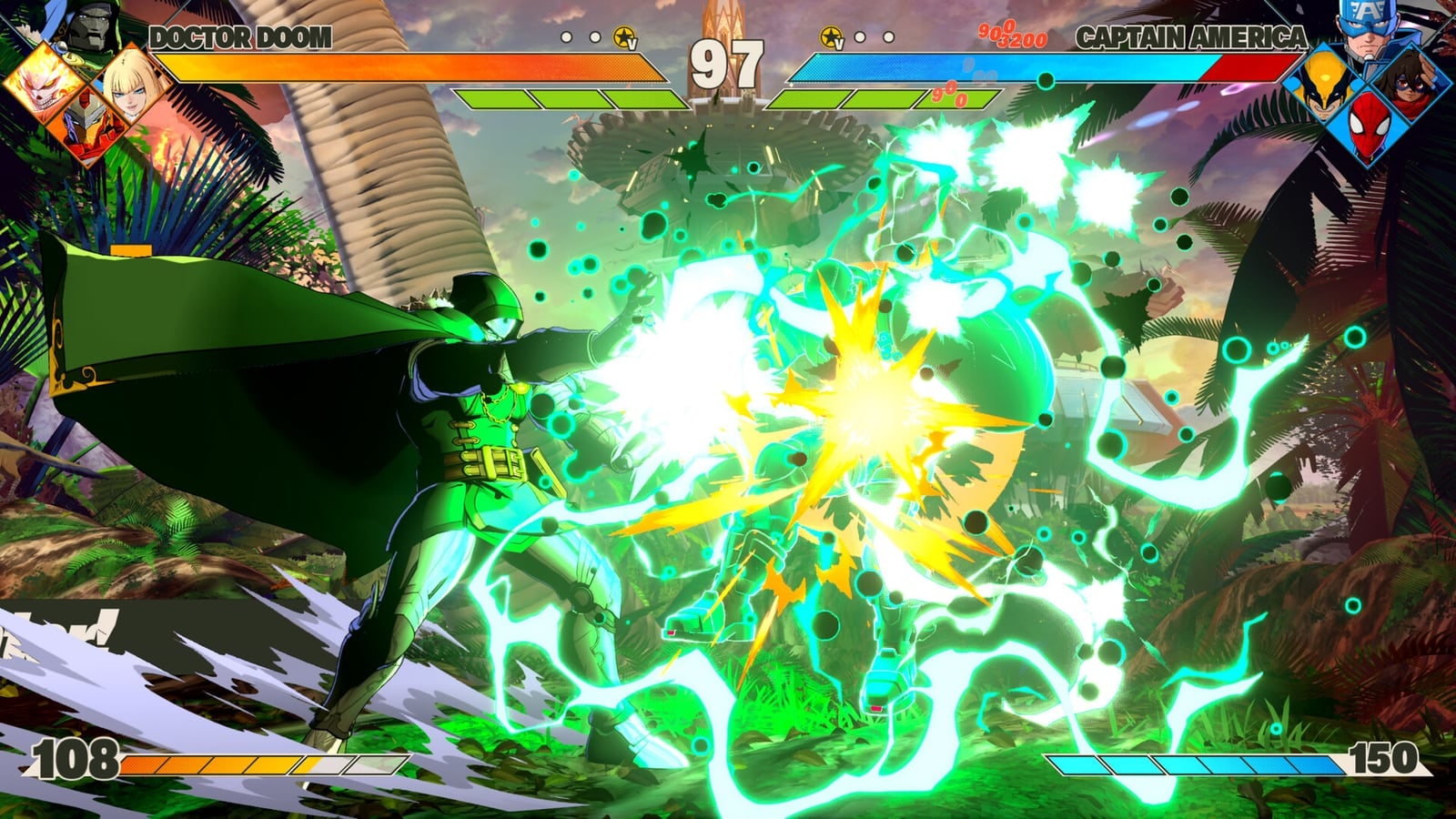
Clean controls are the difference between “I understand Tōkon” and “my fingers disagree.” MARVEL Tōkon Fighting Souls supports traditional command inputs and simplified Quick Skills, so newcomers and veterans can share a roster without sharing an execution ceiling.
Core attack buttons
Expect a Street Fighter / Arc Sys style foundation:
- Light / Medium / Heavy — your normal attack ladder
- Unique — character-specific tools (Cap’s shield, Iron Man’s repulsors, and similar signature actions)
- Skill / EX / Ultimate — meter-spending offense tied to the Skill Gauge
- Assist / Tag — dedicated team buttons (exact labels vary by prompt; learn them in Startup Battle)
Read How to Play if you have not finished the tutorial, then return here to customize comfort.
Quick Skills vs command inputs
Quick Skills reduce motion-input friction so you can focus on spacing, assists, and defense. Command inputs remain available for veterans. Official beginner guidance notes that command inputs offer slightly higher damage and generate more Skill Gauge — a real reward once your confirms are clean. Start on Quick Skills without shame; remap the Quick Skill button in control settings if the default fight your hands. Customize comfort before you chase perfection.
DualSense and PC controllers
On PS5, DualSense haptics and adaptive cues appear in presentation-heavy moments, especially around Episode Mode storytelling. For competitive play, prioritize a layout you can repeat for hours: shoulder buttons for assists/tags are common. On PC, use a DualSense, Xbox-style pad, hitbox/leverless, or stick — whatever you already lab in Strive or FighterZ. Confirm deadzones in Training before ranked.
Recommended beginner mapping goals
- Anti-air on a button you will never miss
- Assist on a shoulder you can hit while holding back to block
- Tag/Crossover on a reachable face or bumper
- Burst/comeback actions (when available) not sharing a panic mash cluster
Training mode drills for controls
- 60 seconds: walk, dash, and jump without pressing attacks
- 60 seconds: block high and low on command
- 60 seconds: Light → Medium → Heavy chains
- 60 seconds: call assist while blocking
- 60 seconds: Unique Attack as a poke, not a panic button
Accessibility mindset
Tōkon’s design goal includes approachability. If motion inputs lock you out of fun, enable Quick Skills without shame. Competitive identity comes from decisions — assist timing, Wall Break turns, team order — not from suffering through inputs that fight your hands. Cross-check system meaning in Systems Explained and online etiquette in Online & Lobby.
Controllers and tournament practicality
Local events and online lobbies both punish inconsistent pads. Bring a backup cable or fully charged wireless pad. If you swap devices between PS5 and PC, re-verify button prompts after each swap. For team drafting comfort after controls feel settled, open Team Builder and Beginner Teams.
Mastering controls is not about looking flashy in Training. It is about making the next correct button available when the Marvel fireworks start.
Frequently Asked Questions
Quick answers to the questions players ask most.
What are Quick Skills in MARVEL Tōkon Fighting Souls?
Simplified special inputs designed to lower execution barriers while teaching the same combat concepts.
Can I use a fight stick or leverless?
Yes. Use whatever controller you can execute consistently; verify binds in Training.
Should beginners learn command inputs immediately?
Not required. Learn blocking, anti-airs, and assists first; add motions when curious.
Where do I practice controls?
Startup Battle first, then Training mode drills on this page.